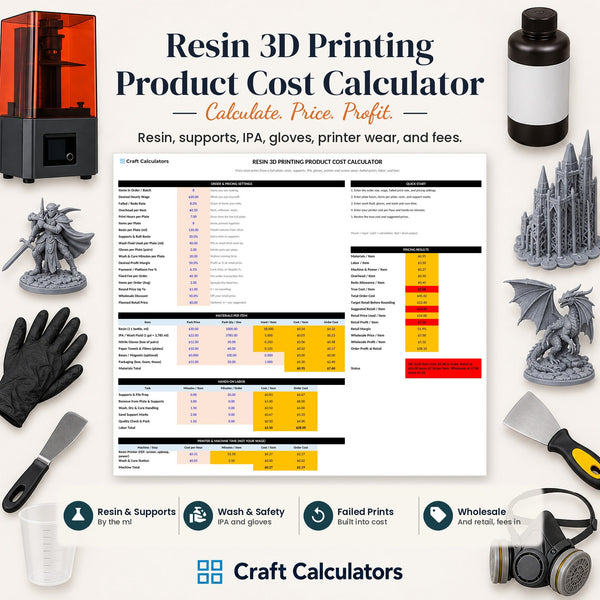
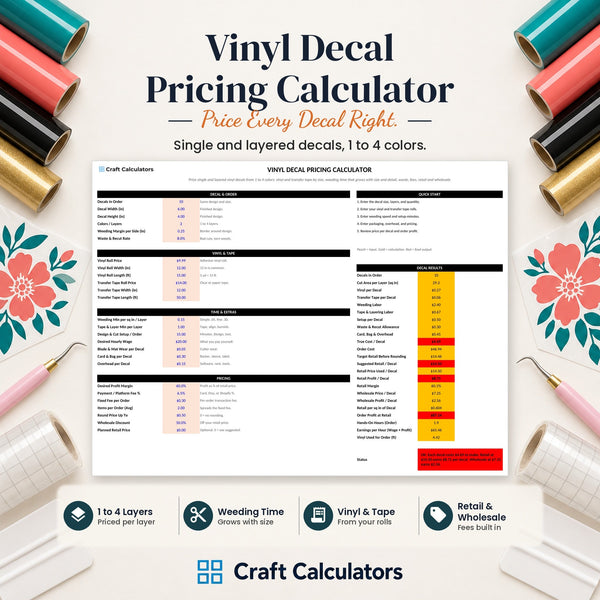
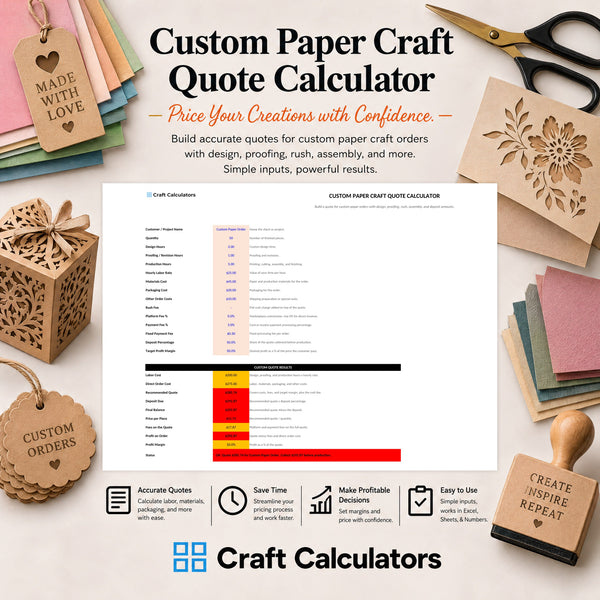
If you price your candles, decals, or tumblers off your material cost alone, the payment processor is quietly eating 3% or more of every sale before you see a dime. This guide walks through building the processing fee into your price so it comes out of the customer's pocket, not yours. TL;DR A payment processing fees calculator for crafters should back the fee into your sale price, not subtract it from your profit after the sale. Standard processing rates run 2.6% to 3.5% plus a flat fee per transaction on Stripe, Square, PayPal, and Etsy Payments. Divide your target price by (1 minus the fee percentage) to solve for the price that actually nets your number after fees. Refunds do not return the processing fee in most cases, so build that risk into your buffer, not your base cost. Craft Calculators sells editable spreadsheets that do this math automatically across materials, labor, and fees in one tab. Why this matters Processing fees are not a rounding error. On a $35 tumbler, a 2.9% plus $0.30 rate takes about $1.31 out of that sale. Sell 40 tumblers a month and that's over $52 gone before shipping, packaging, or your own labor gets paid. Most crafters price by adding up material cost and a flat labor number, then stop. The processing fee gets absorbed into whatever margin is left, which means your real margin shrinks every time you sell through a different platform with a different rate. A craft profit and markup formula that ignores fees is giving you a number that looks right on paper and comes up short in your bank account. The fix is mechanical: treat the processing fee as a cost line, not an afterthought, and solve your price so the fee comes out of the buyer's payment instead of your take-home. What you'll need Your actual processing rate from your platform's fee schedule (not a guess — check your dashboard or statement) A calculator or spreadsheet that can solve for price using a percentage-plus-fixed-fee formula Your current cost-to-make number for the product you're pricing A target profit margin in dollars or percent 15 minutes and one sample order to test the math against Craft Calculators' general craft pricing calculator already separates material, labor, and fee inputs so you're not rebuilding formulas from scratch every time a platform changes its rate. The steps 1. Find your real processing rate, not the advertised one What it accomplishes: gives you the actual number to plug into your formula instead of an average that doesn't match your account. Why it matters: rates vary by platform and by how the card is entered. Stripe and Shopify Payments typically run 2.9% plus $0.30 per transaction for standard online cards. Square runs closer to 2.6% plus $0.10. Etsy Payments charges a separate 3% plus $0.25 processing fee on top of its transaction and listing fees. Pull your last statement and confirm the exact percentage and flat fee, because a 0.3% difference across hundreds of orders adds up fast. Common mistake: using PayPal's rate for an Etsy sale, or vice versa. Each platform bills separately even if the money lands in the same bank account. 2. Separate the percentage fee from the flat fee What it accomplishes: sets up the two-part math you need, since almost every processor charges both. Why it matters: a flat $0.30 fee hurts a $12 sticker sheet far more, proportionally, than a $120 custom sign. Treating both as one blended number under-charges on small items and over-charges on big ones. Specific instruction: list the percentage (say 2.9%) in one cell and the flat fee ($0.30) in another. You'll use both in the pricing formula in the next step. Common mistake: rounding the flat fee to zero because "it's just 30 cents." On low-ticket items like keychains or magnets, that 30 cents can be 5-8% of your total price. 3. Solve for the price, don't subtract the fee from it What it accomplishes: this is the actual fix — instead of taking your target price and subtracting the fee (which shortchanges you), you divide to find the price that nets your target after the fee comes out. Why it matters: subtracting a percentage from a price and dividing by that percentage give different answers. If you want to net $30 after a 2.9% fee, subtracting $0.87 gets you $29.13 net — not $30. Dividing $30 by (1 - 0.029) gets you a listed price of $30.90, which nets the full $30 you wanted. Specific instruction: use the formula Listed Price = (Target Net + Flat Fee) / (1 - Percentage Fee). For a $30 target with a 2.9% + $0.30 fee: ($30 + $0.30) / 0.971 = $31.20. Expected outcome: a listed price that guarantees your target profit lands in your account, not an estimate that erodes with every sale. 4. Test the formula against a real order What it accomplishes: catches formula errors before they cost you on 50 orders instead of one. Why it matters: it's easy to transpose a percentage into a decimal wrong (2.9% as 0.29 instead of 0.029), which throws every downstream number off by a factor of 10. Specific instruction: run one actual product through the calculator, then check the math by hand: multiply the listed price by the percentage fee, add the flat fee, subtract from the listed price, and confirm it matches your target net. Common mistake: testing with round numbers only ($100, $50) that hide decimal errors a $27.43 order would expose. 5. Round the price without eating the fee back What it accomplishes: keeps your pricing clean for customers ($24.99 instead of $24.87) without silently giving back the margin you just calculated. Why it matters: rounding down to a "nicer" price after solving the fee-adjusted number is the single most common way crafters undo this whole exercise. Specific instruction: round up, never down, and re-check that the rounded price still clears your target net after fees. Expected outcome: a listed price that's customer-friendly and still profitable after the processor takes its cut. 6. Rebuild the price for each platform you sell on What it accomplishes: accounts for the fact that Etsy, Shopify, Square, and in-person card readers all charge different combinations of percentage and flat fees. Why it matters: a single flat retail price across platforms means you're absorbing a different margin loss on each one. A $35 tumbler nets differently on Etsy Payments than it does through Shopify Payments. Specific instruction: keep one tab per platform in your calculator with that platform's specific rate, and generate a separate net-margin check for each sales channel. Common mistake: assuming in-person tap-to-pay rates match online checkout rates — many processors charge less for in-person swipe/tap transactions than online card-not-present sales. Calculators built for this math Craft Price Spreadsheet Calculator - Accurate Costs for Materials & Labor Calculate cost to make, wholesale, and retail pricing with fee inputs built in. $9 Sales Price Spreadsheet Calculator Solves sale price from list price and discount percentage. $3 List Price Spreadsheet Calculator Back into the list price you need before discounts and fees. $3 Troubleshooting Etsy fees are stacking and I can't tell what's eating my margin. Etsy charges a listing fee, a transaction fee (a percent of the sale), and a separate payment processing fee — they show as three line items, not one. Pull your Etsy Payments statement and isolate the processing fee line specifically before you adjust your formula. I sell on three platforms and my prices don't match. That's expected once you account for fees correctly — a platform with a higher rate needs a slightly higher listed price to net the same amount. Keep one calculator tab per platform rather than forcing one universal price. A customer asked for a refund and I lost money on top of the return. Most processors do not refund their fee even when you refund the customer in full. Build a small buffer into your margin target specifically to cover this, rather than treating every refund as a wash. International or foreign cards are charging more than my normal rate. Cross-border and currency-conversion fees stack on top of the standard processing rate on nearly every platform. If a meaningful share of your buyers are international, add a small percentage buffer rather than trying to price each order individually. My instant payout option is quietly cutting into margin. Instant or same-day payout features usually carry an extra fee on top of the standard processing rate. If you use it regularly, treat it as a real cost line in your calculator, not a convenience that's free. Tools and resources Craft Calculators homepage for the full catalog of pricing spreadsheets by category Lifetime access bundle if you sell across multiple product lines and need every calculator in one purchase A statement or dashboard export from your payment processor showing your actual current rate A markup reference like the craft profit and markup guide for the labor and material side of the formula What to do next Once fees are built into your price, the next gap is usually labor. Pull up your production time per unit and confirm your hourly rate is actually covering your time, not just your materials — that's a separate calculation from the fee math above and worth checking before you finalize prices across your catalog. FAQ What is a payment processing fees calculator for crafters? It's a pricing tool that builds your platform's percentage and flat transaction fee directly into your listed price so the fee comes out of the sale, not your profit. Craft Calculators' spreadsheets handle this alongside material and labor cost inputs. How much do payment processing fees typically cost? Standard online card rates run roughly 2.6% to 3.5% plus a flat fee of $0.10 to $0.49 per transaction, depending on the processor. Etsy Payments, Stripe, Square, and PayPal each publish their own current rate schedule, and in-person transactions are often cheaper than online ones. Do I subtract the fee from my price or add it on top? Neither — you divide your target net profit by one minus the fee percentage, then add the flat fee, to solve for the listed price that actually nets your target. Simple subtraction undercharges you every time. Does Etsy refund the processing fee if I refund a customer? No, in most cases the processing fee is not returned even on a full refund. Build a small margin buffer to cover this risk instead of absorbing it as a surprise loss. Should my price be the same across Etsy, Shopify, and in-person sales? Not if you want the same profit margin on every channel, since each platform charges a different processing rate. A separate price per channel, even a small difference, keeps your net profit consistent. Is Square cheaper than Stripe for craft sellers? Square's standard rate typically runs closer to 2.6% plus $0.10 versus Stripe's 2.9% plus $0.30, but the better choice depends on your transaction size and whether sales happen online or in person. Check both platforms' current published rates before switching. How do I price low-cost items like stickers or keychains with a flat fee? The flat portion of the fee (often $0.10 to $0.49) takes a bigger percentage bite out of a $5 item than a $50 item, so low-ticket products need a proportionally higher markup to absorb it. Don't apply the same flat-dollar buffer across your whole catalog. Can I just raise all my prices 3% to cover fees? A flat 3% bump ignores the fixed-fee portion of most processors' pricing, which shortchanges you on small items and slightly overcharges on large ones. Solving the price with the full formula, not a blanket percentage, gets a more accurate number per product. One last thing The flat fee is the part crafters forget, and it's the one that hurts small-ticket sellers most. A $0.30 flat fee on a $6 vinyl decal is 5% of the sale by itself, before the percentage fee even applies — on a $60 custom sign, that same $0.30 is barely a rounding error. If your catalog spans both low-cost and high-cost items, price them with separate fee math, not one blended number. Related guides Best pricing calculator for Etsy sellers Craft pricing calculator for side hustle sellers